直接答案:调用
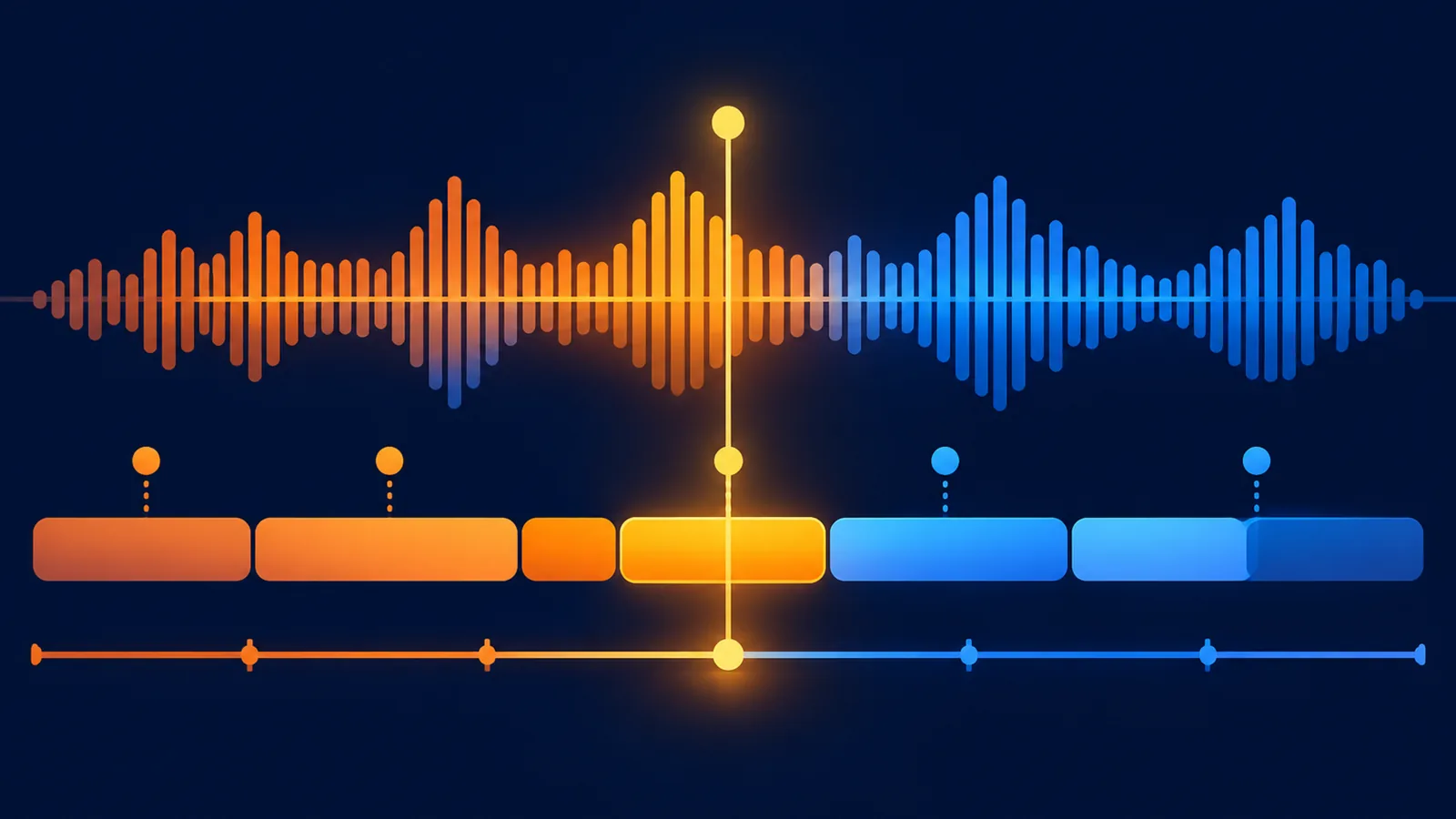
POST /api/lyrics/timeline,传入song_id和模型名。接口直接返回逐词时间轴数组,每一项包含word、start_s、end_s、success和置信度。用这些时间点可以生成 LRC、KTV 高亮、短视频字幕或播放器歌词。
普通歌词和时间轴歌词的区别
| 数据 | 能做什么 | 不能做什么 |
|---|---|---|
| 普通歌词 | 展示全文、复制、导出 TXT | 无法精确跟随播放进度 |
| 逐词时间轴 | KTV 高亮、逐字字幕、LRC、时间跳转 | 不包含音色或混音信息 |
获取逐词时间轴
curl -X POST "https://www.suno-api.io/api/lyrics/timeline"   -H "Authorization: Bearer $SUNO_API_KEY"   -H "Content-Type: application/json"   -d '{
    "model": "suno-v6",
    "song_id": "YOUR_SONG_ID"
  }'
响应直接是数组,没有额外的 data 外层:
[
  {
    "word": "夜色",
    "start_s": 1.12,
    "end_s": 1.58,
    "success": true,
    "p_align": 0.99
  }
]
生成 LRC
def timeline_to_lrc(segments):
    lines = []
    for segment in segments:
        text = (segment.get("word") or "").strip()
        if not text or not segment.get("success", True):
            continue

        start = max(0.0, float(segment.get("start_s") or 0))
        centiseconds = int(start * 100 + 0.5)
        minutes = centiseconds // 6000
        seconds = (centiseconds % 6000) // 100
        cs = centiseconds % 100
        lines.append(f"[{minutes:02d}:{seconds:02d}.{cs:02d}]{text}")
    return "\n".join(lines)
如果 word 中含换行,可以先按行拆分再生成 LRC,避免一整段挤在同一行。
做卡拉 OK 高亮
- 播放器定时读取当前音频时间。
- 找到
start_s <= current < end_s的 word。 - 给当前词加高亮,前一个词标为已唱。
- 音频 seek 后根据新时间重新定位,不依赖数组下标递增。
- 置信度较低的词保留原时间,但允许人工校正。
注意事项
- 时间单位是秒,允许小数。
- 器乐段可能没有 word,播放器应正常跳过。
- 时间轴是歌词数据,不是媒体下载地址。
- LRC 目前仅部分歌曲可直接下载,timeline 方案适用于全部歌曲。
常见问题
timeline 接口返回的是普通歌词吗?
不是。它返回带开始和结束时间的逐词/片段数据,适合字幕同步。
LRC 文件一定支持所有歌曲吗?
不一定,但可以用 timeline 返回的数据自行生成,不依赖预生成 LRC。
时间轴能当永久字幕数据保存吗?
可以保存结构和生成时间;正式交付前应抽听校验,尤其是低置信度片段。
接口文档:时间轴歌词 API;继续阅读 MIDI 导出、Speech API、媒体下载 API。