Short answer: use Studio or the browser workflow for one song when you want to listen and adjust manually. Use the AI cover API when covers must be embedded in a website, app or production queue. For larger files and repeat jobs, prepare the source with
upload-sourcefirst, then start the billed cover withgenerate-from-source.
Choose by workflow, not by button name
| Requirement | Studio cover | AI cover API |
|---|---|---|
| Best user | Creator working one song at a time | Developer or product integrating covers |
| Upload | Choose the file in the workspace | Send a file or URL from your backend |
| Batch work | Each song is handled manually | Queues, concurrency control, idempotency and retries |
| Result handling | Preview and download in the page | Connect completion to your player, storage and delivery |
| Main risk | Source and rights decisions remain manual | Key safety, duplicate billing and task-state handling |
When Studio is the better route
If you simply need to replace the vocal performance or try a new direction for one track, Studio has the shortest path. Upload source audio, choose the vocal and style direction, generate two candidates, then listen and select the version that works. It is a good fit for content creators, quick client proposals and creative exploration.
You still have to prepare the material correctly. A clean MP3, WAV or M4A under 10MB is the safest input. Confirm that you have permission to process the composition, recording and voice, and keep the final selection tied to its generation record.
When the API is the better route
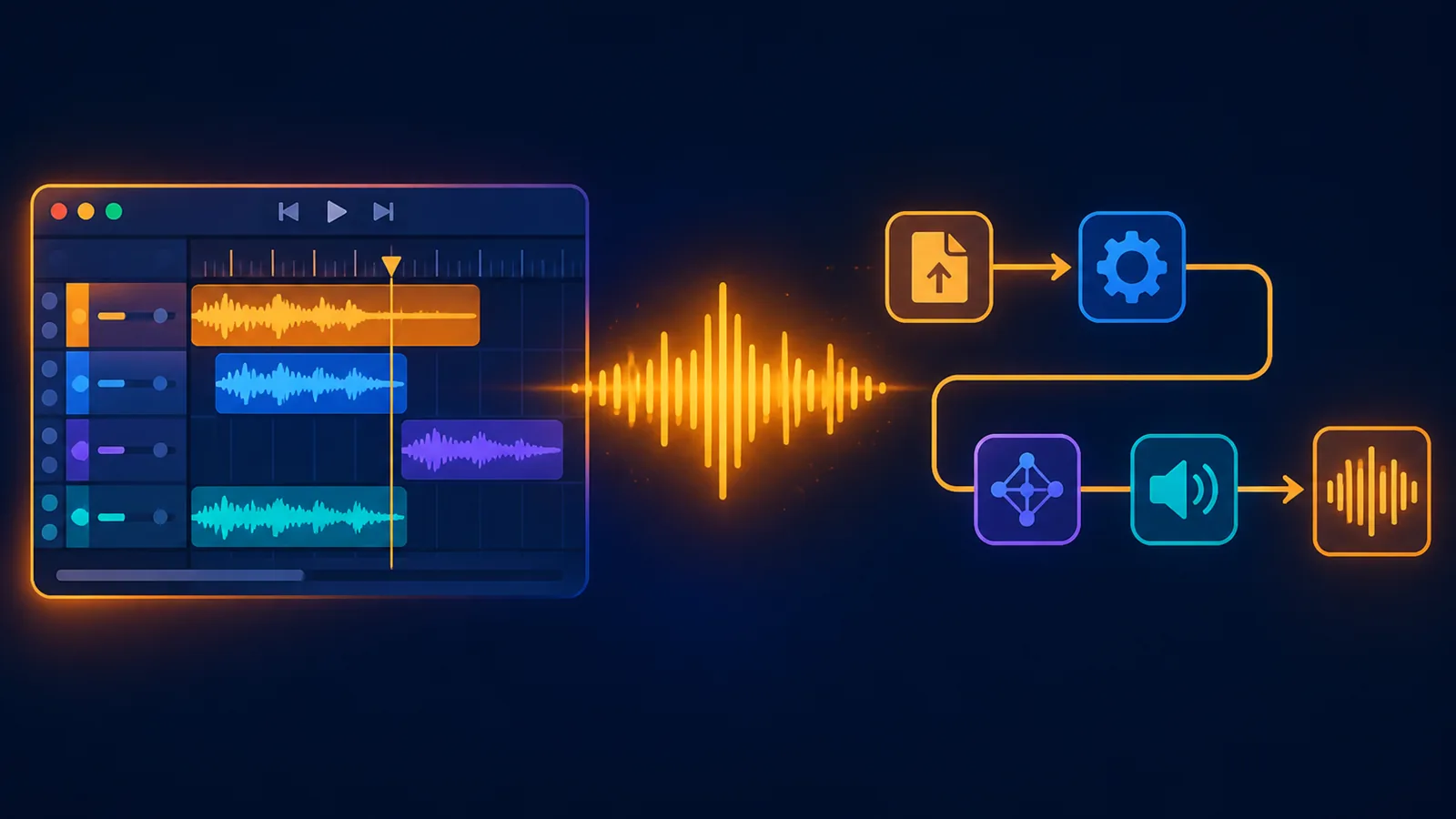
The API matters when a cover must become part of a product workflow. Your backend can authenticate the user, check balance, upload the source, save IDs, start a billed cover, poll completion and deliver MP3 or WAV through your own interface.
1. POST /api/music/upload-source
2. Save the returned clip ID
3. POST /api/music/generate-from-source
4. Save every song ID and poll POST /api/music/query
5. Retrieve MP3 or WAV after completion
The two-step route keeps a large file upload separate from the paid generation request. If the upload is interrupted, retry the preparation step instead of creating another billed task. This also makes mobile uploads and asynchronous production queues easier to recover.
Pricing and output
| Item | Current expectation |
|---|---|
| Normal cover | Usually 0.6 CNY per run, with two candidates |
| Max Mode cover | Usually 1.2 CNY per run |
| Cloned-voice cover | Usually 1.2 CNY per run after the voice profile exists |
| MP3/WAV download | Not charged per download |
Use the live price catalog and submission response for the final amount. Do not quote a customer project from the generation price alone: candidate selection, retries, stems, mixing, rights review and delivery all add production work.
Four integration mistakes to avoid
- Retrying a timed-out paid POST immediately. The first task may already be accepted. Confirm the original request and task list before resubmitting.
- Sending the API key to the browser. Keep it on the server; a browser key can be read and used to spend the account balance.
- Saving an empty media URL while processing. Wait for completion and request a fresh delivery URL at the point of download.
- Assuming a cover solves copyright. The feature performs a technical transformation; it does not grant rights to the source song, lyrics, recording or a person's voice.
The recommendation
Use Studio for one song when human listening and comparison are the main job. Use the API for automation, multi-user products and batch work. The two can coexist: let the API create candidates, then use a human or Studio-style interface for final selection, editing and mixing.
Start with the browser AI cover tool, read the upload-cover API, or follow the complete developer cover workflow. If the source upload itself is failing, use the upload-rejection checklist.
Related guide:complete developer cover-song API workflow · complete AI cover-song workflow · fix a rejected cover-song upload
¥0.6 per generation, 2 tracks, unlimited downloads
Runs on the Suno V6 engine. Download MP3 or WAV as often as you like. Signing up needs an email address, not a phone number.