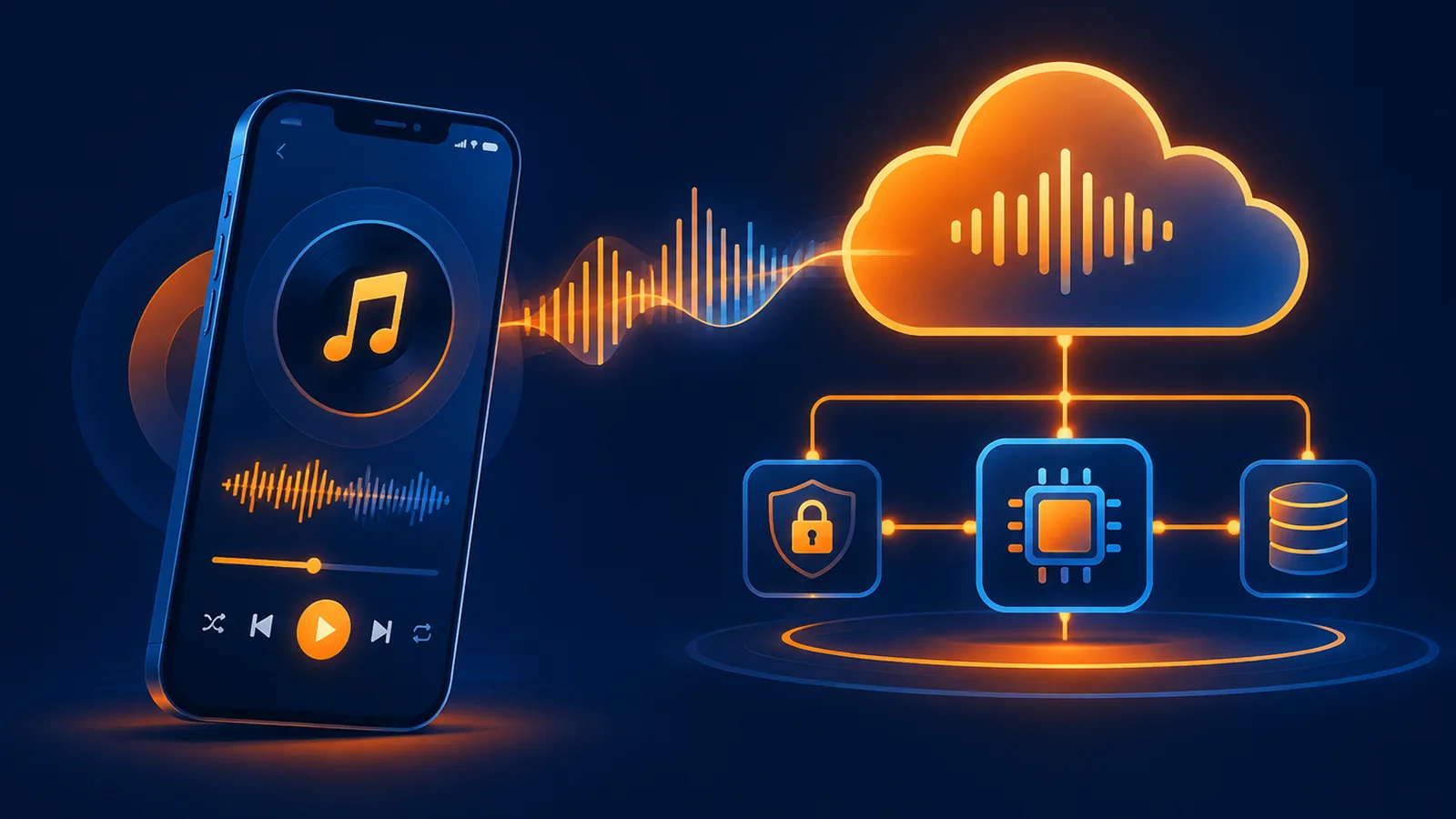
Short answer: use a four-layer architecture: mobile app → your backend → Suno API → your object storage/CDN. Keep the API key on the backend, submit asynchronous jobs, persist request IDs, and deliver a stable cached audio URL to the app.
Why the app should not call the provider directly
- A key embedded in a mobile bundle can be extracted.
- Long generation calls do not survive mobile network changes well.
- Idempotency, billing, user quotas and failure handling belong on your server.
- Provider media URLs are temporary, so the app needs your own delivery layer.
Reference architecture
Mobile App
  → Your Backend (auth, quota, idempotency)
  → Suno API (create / query / speech)
  → Your Object Storage + CDN
  → Mobile App playback
Choose the right capability
| App use case | Endpoint | Purpose |
|---|---|---|
| Full background music or songs | POST /api/music/create | Prompt, model and advanced controls |
| Short effects and stingers | POST /api/music/sounds | One-shot and loopable effects |
| Narration and voice-over | POST /api/music/speech | Spoken audio with optional music |
| Async receipt status | GET /api/music/requests/{request_id} | Track accepted jobs |
| Final song data | POST /api/music/query | Query completed song IDs |
| Media URL | POST /api/music/download-url | Playback or transfer before expiry |
Create an async job on the backend
app.post("/api/app/music", async (req, res) => {
  const jobId = crypto.randomUUID();
  const upstream = await fetch(
    "https://www.suno-api.io/api/music/create",
    {
      method: "POST",
      headers: {
        Authorization: `Bearer ${process.env.SUNO_API_KEY}`,
        "Content-Type": "application/json",
        "Idempotency-Key": jobId,
      },
      body: JSON.stringify({
        description: req.body.description,
        model: "suno-v6",
        accept_mode: "async",
      }),
    },
  );
  if (!upstream.ok) throw new Error(await upstream.text());
  const payload = await upstream.json();
  await jobs.save({
    jobId,
    userId: req.user.id,
    requestId: payload.data.request_id,
    status: "queued",
  });
  res.status(202).json({ jobId });
});
Let the app query your job
GET /api/app/music/{jobId}
queued | processing | completed | failed
A worker can poll the upstream receipt and update your own task table. The app polls your business job every 5-10 seconds and resumes after a network change without creating another paid generation.
Deliver durable audio
- Wait for the song to complete.
- Download through
download-fileor request a media URL. - Copy the file into storage you control.
- Serve the app from your object-storage/CDN host with a stable cache policy.
- Never store a temporary upstream URL as the permanent product asset.
Weak-network rules
- Persist the Idempotency-Key and reconcile before retrying.
- A dropped mobile connection does not cancel an accepted upstream task.
- Honor retry_after on 429 and cap worker concurrency.
- Never create another song just because the app lost its polling response.
FAQ
Can a mobile app store the API key?
No. Call your backend with your own user authentication and keep the provider key server-side.
Should the app wait for generation in one request?
No. Use an async receipt and backend worker so network transitions do not duplicate orders.
Should I use music, sounds or Speech?
Use create for full tracks, sounds for short effects, and Speech for narration; the delivery/caching layer can be shared.
Read the quick start, batch queue guide, media download API, and Speech guide.
¥0.6 per generation, 2 tracks, unlimited downloads
Runs on the Suno V6 engine. Download MP3 or WAV as often as you like. Signing up needs an email address, not a phone number.