Short answer: send one request to
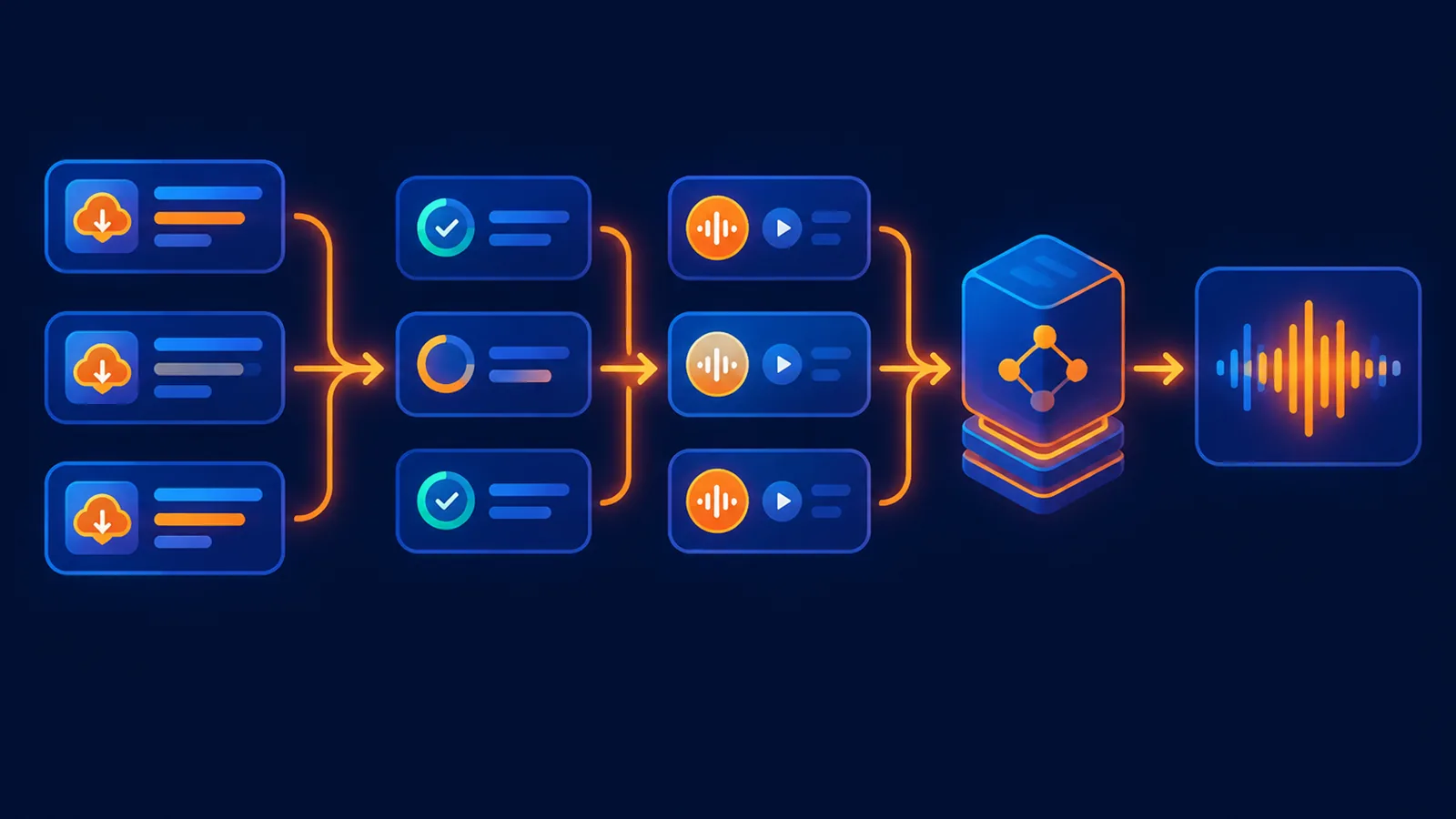
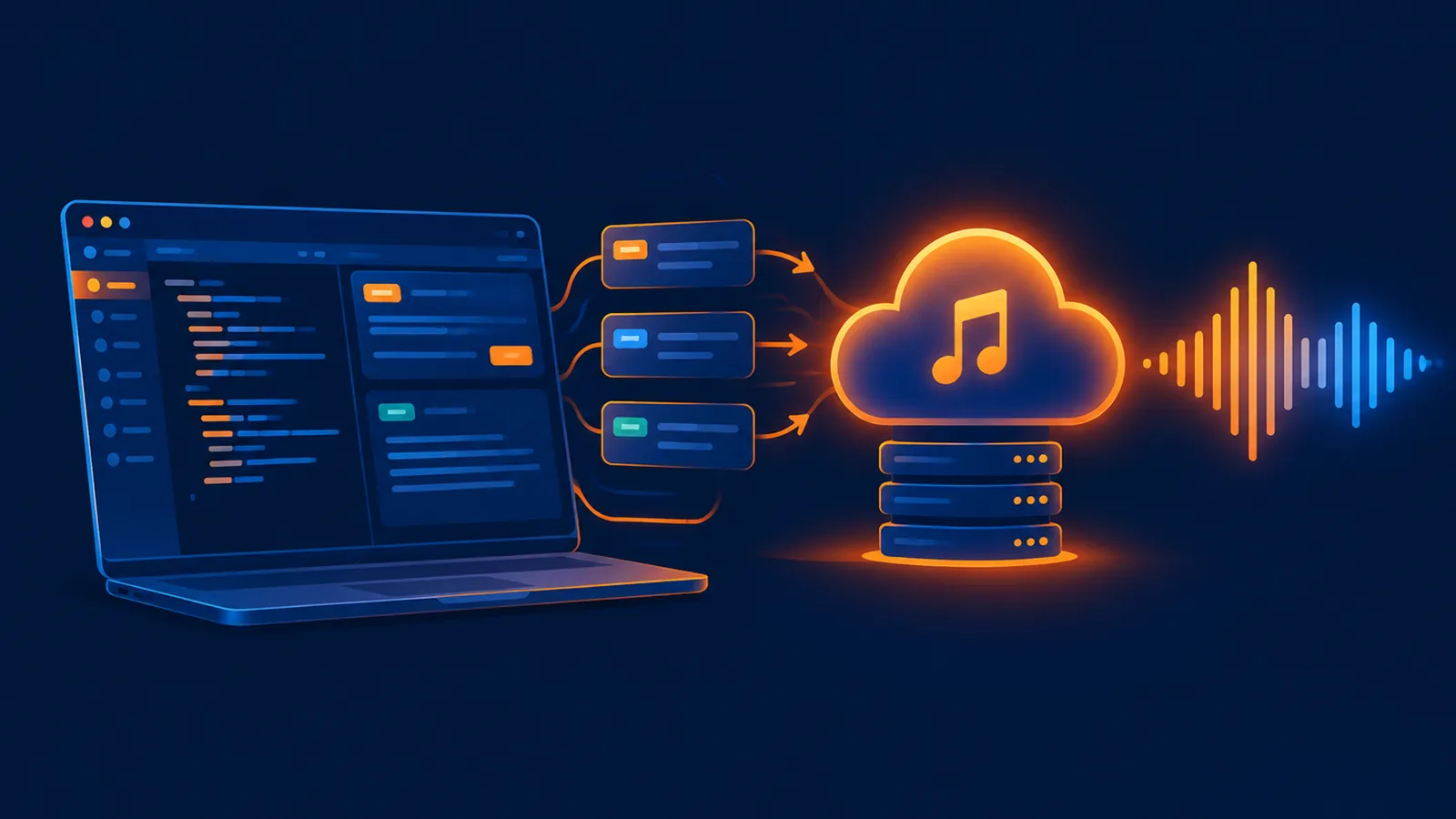
POST /api/music/createfrom Postman or cURL. Add"accept_mode":"async"and a uniqueIdempotency-Key. Store the returnedrequest_id, pollGET /api/music/requests/{request_id}, and use the realsong_idfor queries and downloads.
Two values are enough to start
| Setting | Value |
|---|---|
| Base URL | https://www.suno-api.io |
| Authorization | Bearer YOUR_API_KEY |
| Content-Type | application/json |
Keep the key in an environment variable. Do not commit it to a script or expose it in browser code.
Create an asynchronous task with cURL
curl -X POST "https://www.suno-api.io/api/music/create" \
  -H "Authorization: Bearer $SUNO_API_KEY" \
  -H "Content-Type: application/json" \
  -H "Idempotency-Key: demo-20261027-001" \
  -d '{
    "description": "warm Mandopop with a piano intro and female vocal",
    "model": "suno-v6",
    "accept_mode": "async"
  }'
A successful acceptance usually returns HTTP 202. Store data.request_id and data.tasks. There is no real song ID yet; request_id and tasks[].index are not song IDs.
{
  "success": true,
  "data": {
    "request_id": "ac_2026102709000000000000000001",
    "status": "queued",
    "tasks": [
      {"index": 0, "status": "queued"},
      {"index": 1, "status": "queued"}
    ]
  }
}
Check request progress
curl "https://www.suno-api.io/api/music/requests/ac_2026102709000000000000000001" \
  -H "Authorization: Bearer $SUNO_API_KEY"
Poll around every five seconds and back off toward ten seconds. Continue on queued and processing; save completed task items when the request becomes partial; switch to song queries after completed. When the request is failed, read error_message instead of creating another task.
Postman configuration
- Create a collection and add variables for
baseUrlandapiKey. - Create a POST request to
{{baseUrl}}/api/music/create. - Add
Authorization: Bearer {{apiKey}}and a uniqueIdempotency-Key. - Select raw JSON for the body and send description, model and accept_mode.
- Save the returned request ID into an environment variable.
const body = pm.response.json();
if (body.success && body.data && body.data.request_id) {
  pm.environment.set("requestId", body.data.request_id);
  console.log("request_id:", body.data.request_id);
}
Then create a GET request to {{baseUrl}}/api/music/requests/{{requestId}}. Keep the Authorization header; no JSON body is required for this progress call.
Common status codes
| Status | Meaning | Action |
|---|---|---|
| 202 | Generation accepted asynchronously | Store the request ID and poll progress |
| 400 | Missing or malformed input | Fix the request; do not replay unchanged |
| 401 | Missing or invalid key | Check the Bearer header and key state |
| 402 | Insufficient balance | Top up before retrying |
| 403 | Key or account state rejected the call | Inspect the console; avoid blind retries |
| 429 | Rate limited | Honor retry_after and reduce concurrency |
Three rules that prevent duplicate charges
- Create one stable Idempotency-Key per business operation and reuse it when reconciling.
- After a timeout, search request history or song history before submitting again.
- Keep create, query and download functions separate; never put create inside a polling loop.
FAQ
Where should the API key go in Postman?
Use the Authorization header with Bearer YOUR_API_KEY. Never put it in the URL or request JSON.
Why did create return no song ID?
The async acceptance response intentionally returns request_id first. Wait for the progress endpoint to expose real song IDs.
What is the difference between 401 and 403?
401 is normally an authentication failure. 403 usually means the key is disabled or the account cannot perform the operation.
Next, read the response field guide, the Python example, or the quick start.
¥0.6 per generation, 2 tracks, unlimited downloads
Runs on the Suno V6 engine. Download MP3 or WAV as often as you like. Signing up needs an email address, not a phone number.