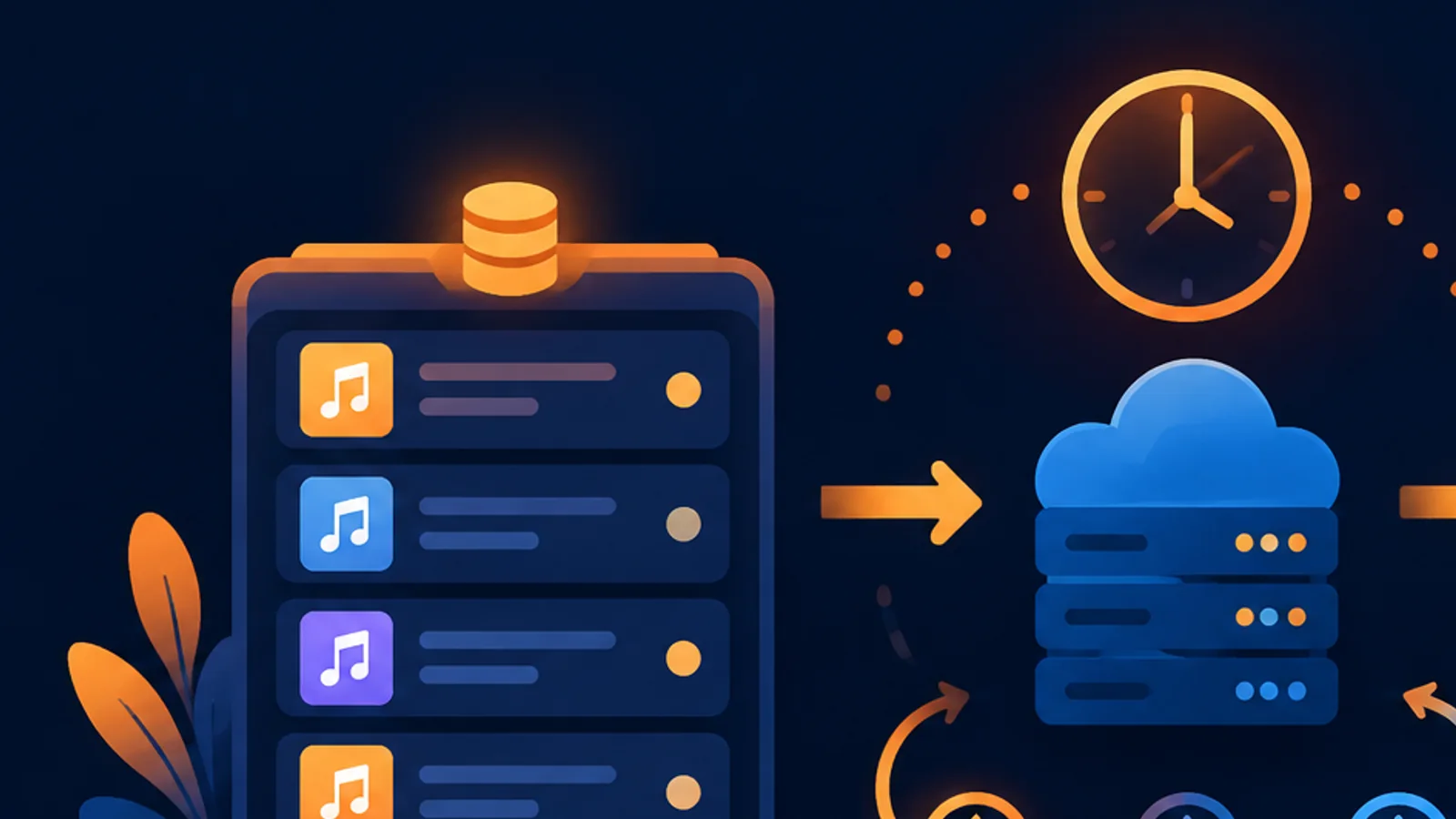
Short answer: submit once, poll the query endpoint every 3-5 seconds, continue while the status is
pending,submittedorprocessing, download aftercompletedorplayable, and stop on an explicit failure. A client-side timeout is not permission to submit the same song again.
Task lifecycle
| Stage | Typical status | Client action |
|---|---|---|
| Submitted | pending, submitted | Save the song ID and keep waiting |
| Running | processing | Continue polling with backoff |
| Complete | completed, playable | Fetch media and download |
| Failed | failed or explicit error | Record the error and stop |
Recommended polling loop
let delay = 3000;
const deadline = Date.now() + 10 * 60 * 1000;

while (Date.now() < deadline) {
  const result = await querySong(songId);
  const status = String(result?.data?.status || "").toLowerCase();
  if (["completed", "complete", "playable"].includes(status)) return result;
  if (["failed", "error"].includes(status)) throw new Error(JSON.stringify(result));
  await sleep(delay);
  delay = Math.min(Math.round(delay * 1.25), 10000);
}
Timeout versus failure
A UI timeout means the client stopped waiting. It does not cancel the upstream task and it does not prove the generation failed. Keep the song ID in your database, show an in-progress state, and allow a background worker to continue checking.
Rate limits are different from slow generation
A 429 response is a request-frequency signal. Read Retry-After, pause that request, and reduce polling concurrency. Treating 429 as a failed song leads to unnecessary retries and confused billing.
FAQ
How often should I poll?
Three to five seconds is a practical starting point. Increase the interval as the wait grows, and use a 10-second ceiling for ordinary UI polling.
Can I continue after the browser closes?
Yes, provided the song ID is stored server-side. The generation task and the browser session are separate.
Should an empty audio URL trigger a new request?
No. Check the task status first. Empty media fields are normal while processing.
Use this guide with the Python and Node.js examples. The endpoint fields are in the query API and media download API.
¥0.6 per generation, 2 tracks, unlimited downloads
Runs on the Suno V6 engine. Download MP3 or WAV as often as you like. Signing up needs an email address, not a phone number.