Short answer: after a song is complete, call
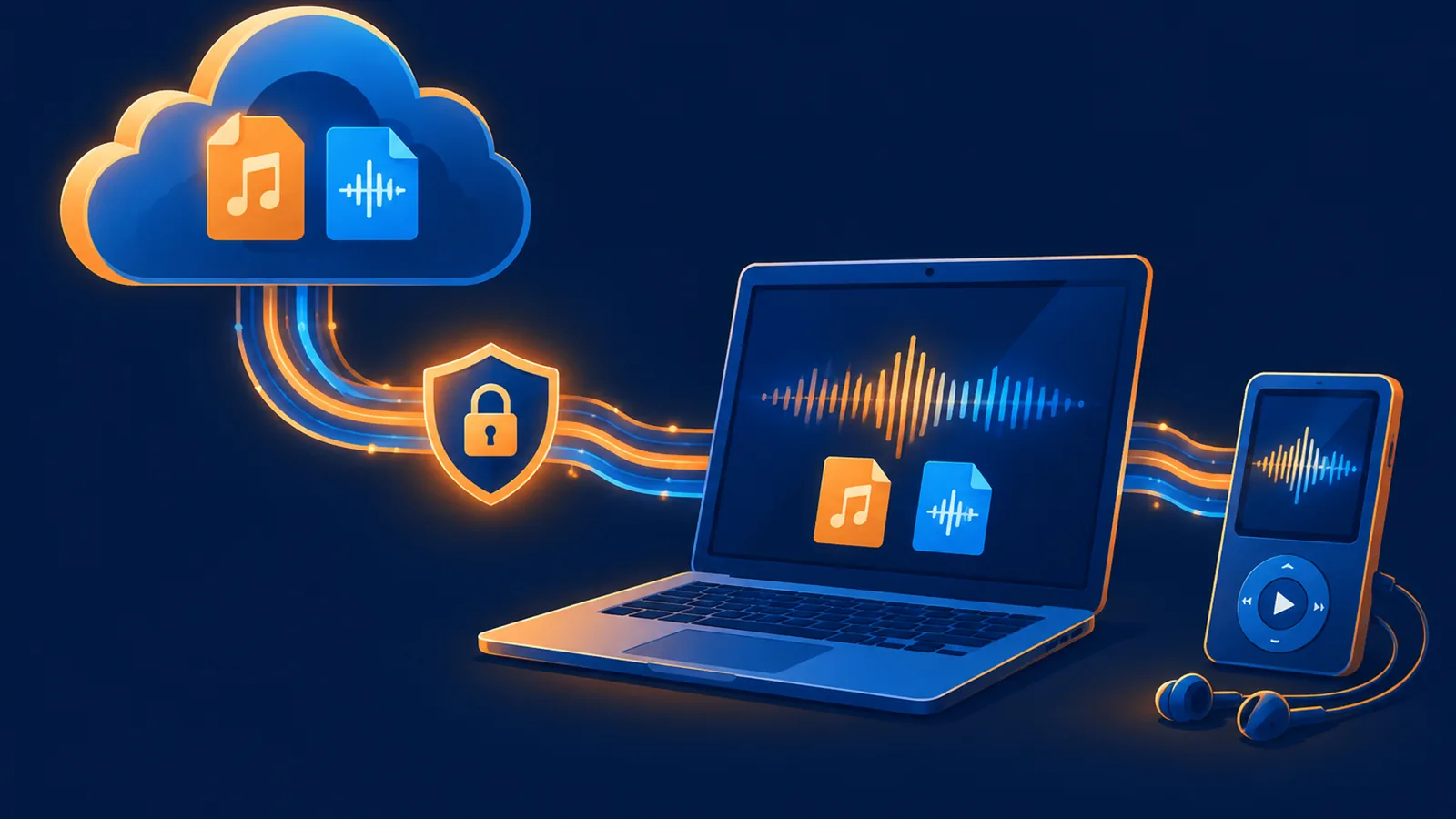
POST /api/music/download-urlwhen you need a playback or transfer URL, or callPOST /api/music/download-fileto stream the file into your own storage. Both are free. Temporary media normally expires after about seven days, so copy important files into durable storage.
Choose the correct delivery endpoint
| Need | Endpoint | Response |
|---|---|---|
| Playback or transfer URL | POST /api/music/download-url | JSON with url and nav_url |
| Server-side file save | POST /api/music/download-file | File stream |
| Stable client download route | GET /api/music/download?song_id=...&kind=... | File stream |
| Batch archive | POST /api/music/download-all | ZIP, up to 50 songs |
Get an MP3 URL
curl -X POST "https://www.suno-api.io/api/music/download-url" \
  -H "Authorization: Bearer $SUNO_API_KEY" \
  -H "Content-Type: application/json" \
  -d '{"song_id":"YOUR_SONG_ID","kind":"song"}'
{
"code": 200,
"data": {
"song_id": "YOUR_SONG_ID",
"kind": "song",
"url": "https://media.example.com/assets/song.mp3",
"nav_url": "https://media.example.com/assets/song.mp3?...attachment"
}
}url is suitable for playback and controlled transfer. nav_url includes an attachment disposition for direct browser download. Never add the API key to either media URL.
Stream a file with download-file
curl -X POST "https://www.suno-api.io/api/music/download-file" \
  -H "Authorization: Bearer $SUNO_API_KEY" \
  -H "Content-Type: application/json" \
  -d '{"song_id":"YOUR_SONG_ID","kind":"song"}' \
  -o song.mp3
The response is a file stream, not JSON. Write to a temporary path, validate the response and final file size, then rename it into durable storage. Do not expose a partially written file as a successful download.
Python streaming example
with requests.post(
    f"{BASE}/api/music/download-file",
    headers={"Authorization": f"Bearer {API_KEY}"},
    json={"song_id": song_id, "kind": "song"},
    stream=True,
    timeout=(15, 180),
) as response:
    response.raise_for_status()
    with open("song.mp3.part", "wb") as fh:
        for chunk in response.iter_content(256 * 1024):
            if chunk:
                fh.write(chunk)
Media kinds
| kind | Content | Note |
|---|---|---|
song | MP3 audio | Default; mp3 is an alias |
wav | WAV file | Prepare through the WAV endpoint first |
video | MP4 | Available when a video result exists |
cover | Cover image | image is an alias |
lyrics | Lyrics text | Use download-file |
timestamped_lyrics | LRC | Only some songs support it; LRC is not word-level JSON |
A durable-delivery workflow
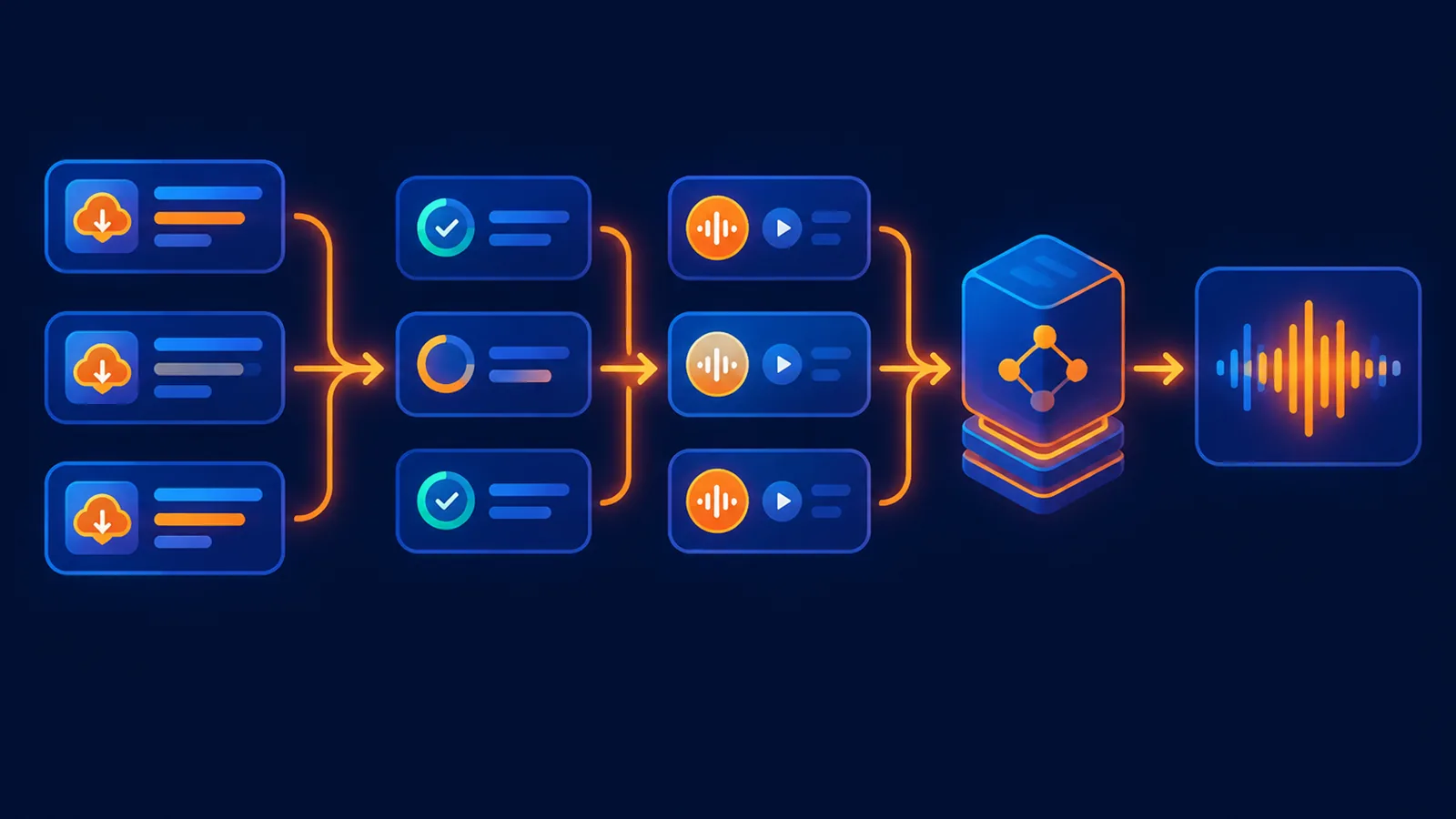
- Wait until the song is completed or playable.
- Download the file immediately or request a media URL.
- Copy it to your own object storage and save your own key.
- Serve customers from your durable copy.
- If the temporary URL returns 404 later, refresh it and retry the copy; do not regenerate the song.
FAQ
Do MP3 and WAV downloads cost extra?
Media delivery is free. WAV availability depends on whether the WAV resource has been prepared for that song.
Why did a media URL return 404?
The object may have expired or not been prepared. Refresh the URL and verify the requested kind.
When should I use download-url vs download-file?
Use download-url when a URL is useful. Use download-file when your server should receive the bytes directly. Lyrics only support the file endpoint.
Continue with the media download API, WAV API, and batch generation guide.
¥0.6 per generation, 2 tracks, unlimited downloads
Runs on the Suno V6 engine. Download MP3 or WAV as often as you like. Signing up needs an email address, not a phone number.