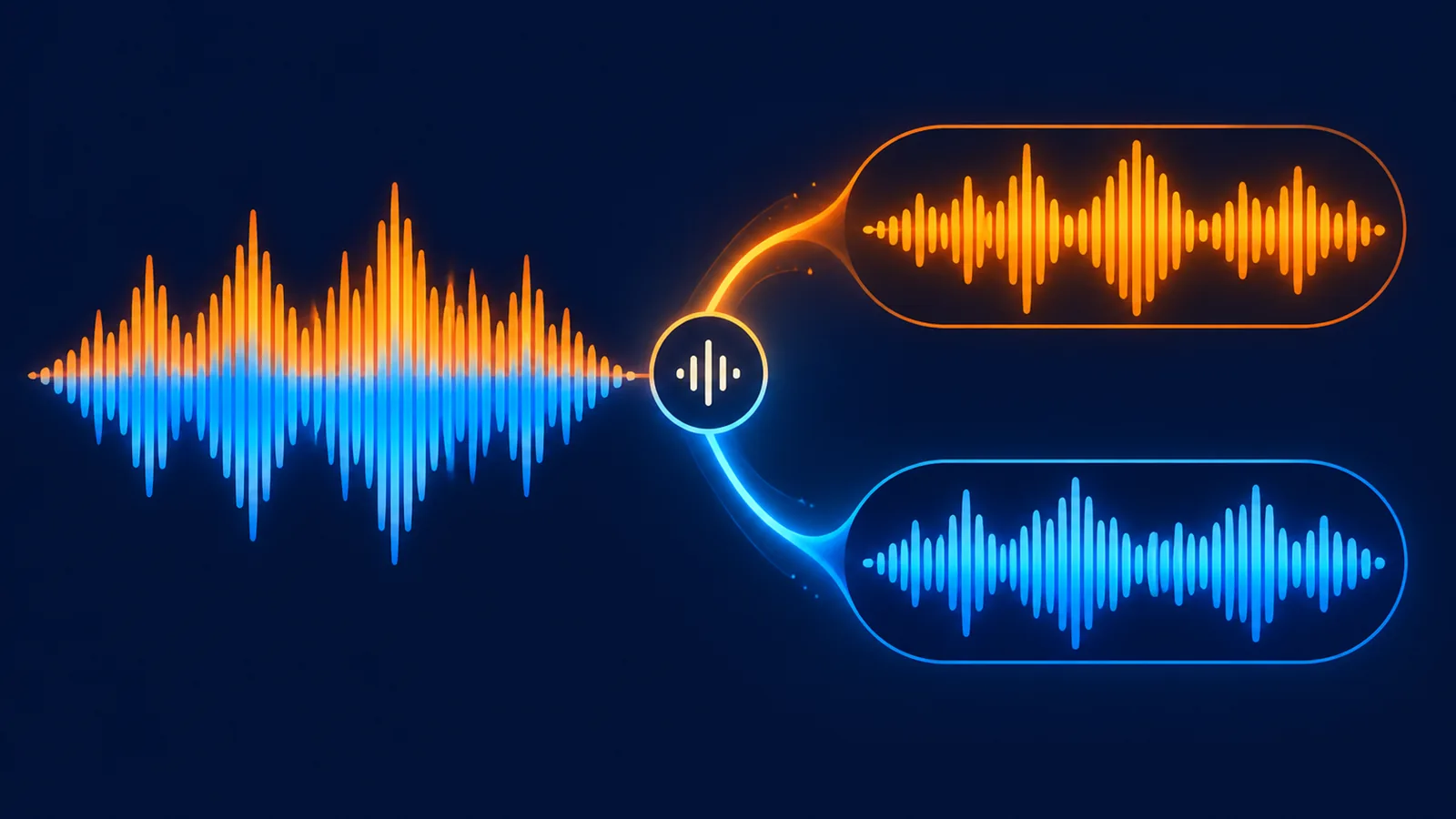
Short answer: run
POST /api/music/separatefirst, save thesong_idof the completed stem you need, then callPOST /api/music/download-filewithkind: "midi". The response is a standard.midfile ready for a DAW.
Why the source song needs separation first
MIDI stores notes, start/end times and velocity, not audio. The service needs an individual stem before it can identify notes for that part. A full-song ID is not a valid MIDI source.
Complete export sequence
- Submit
POST /api/music/separateand choose two or twelve stems. - Poll until the stem you need is complete.
- Save that stem's clip-level
song_id. - Request
kind: "midi"from the download-file endpoint. - Import the returned file into Ableton, FL Studio, Logic, Cubase or another DAW.
Download the MIDI file
curl -X POST "https://www.suno-api.io/api/music/download-file" \
  -H "Authorization: Bearer $SUNO_API_KEY" \
  -H "Content-Type: application/json" \
  -d '{"song_id":"stem_clip_id","kind":"midi"}' \
  --output track.mid
The response is binary MIDI, not JSON. Write it to a file and inspect it in the DAW.
Get a URL first
curl -X POST "https://www.suno-api.io/api/music/download-url" \
  -H "Authorization: Bearer $SUNO_API_KEY" \
  -H "Content-Type: application/json" \
  -d '{"song_id":"stem_clip_id","kind":"midi"}'
The returned URL still requires the Authorization header. This route is useful when a server records the address before downloading or archiving.
MIDI format details
| Property | Value |
|---|---|
| Format | SMF format 1 |
| Timing | 480 PPQ |
| Tempo | Fixed 120 BPM |
| Timeline | 1 second = 960 ticks |
| Velocity | 0-127 |
| Drums | MIDI channel 10 |
120 BPM is a mapping choice, not a claim about the original tempo. It keeps note positions aligned with the source seconds after import.
After importing to a DAW
- Assign instruments or samplers to each MIDI track.
- Set the project tempo and quantization you actually need.
- Add volume, pan, EQ, compression and effects yourself.
- Confirm drum mapping uses channel 10.
- An empty but valid MIDI file can be normal for an FX stem with no pitched notes.
FAQ
Can I export MIDI from the original song ID?
No. Use a completed stem clip ID from the separation endpoint.
Why is the MIDI timeline at 120 BPM?
The API maps seconds to standard MIDI using 120 BPM and 480 PPQ. You can change the DAW tempo after import.
Does MIDI include effects and volume?
No. Recreate all sound design, mixing and effects in the DAW.
Continue with the MIDI API, stem separation API, and vocal extraction guide.
¥0.6 per generation, 2 tracks, unlimited downloads
Runs on the Suno V6 engine. Download MP3 or WAV as often as you like. Signing up needs an email address, not a phone number.