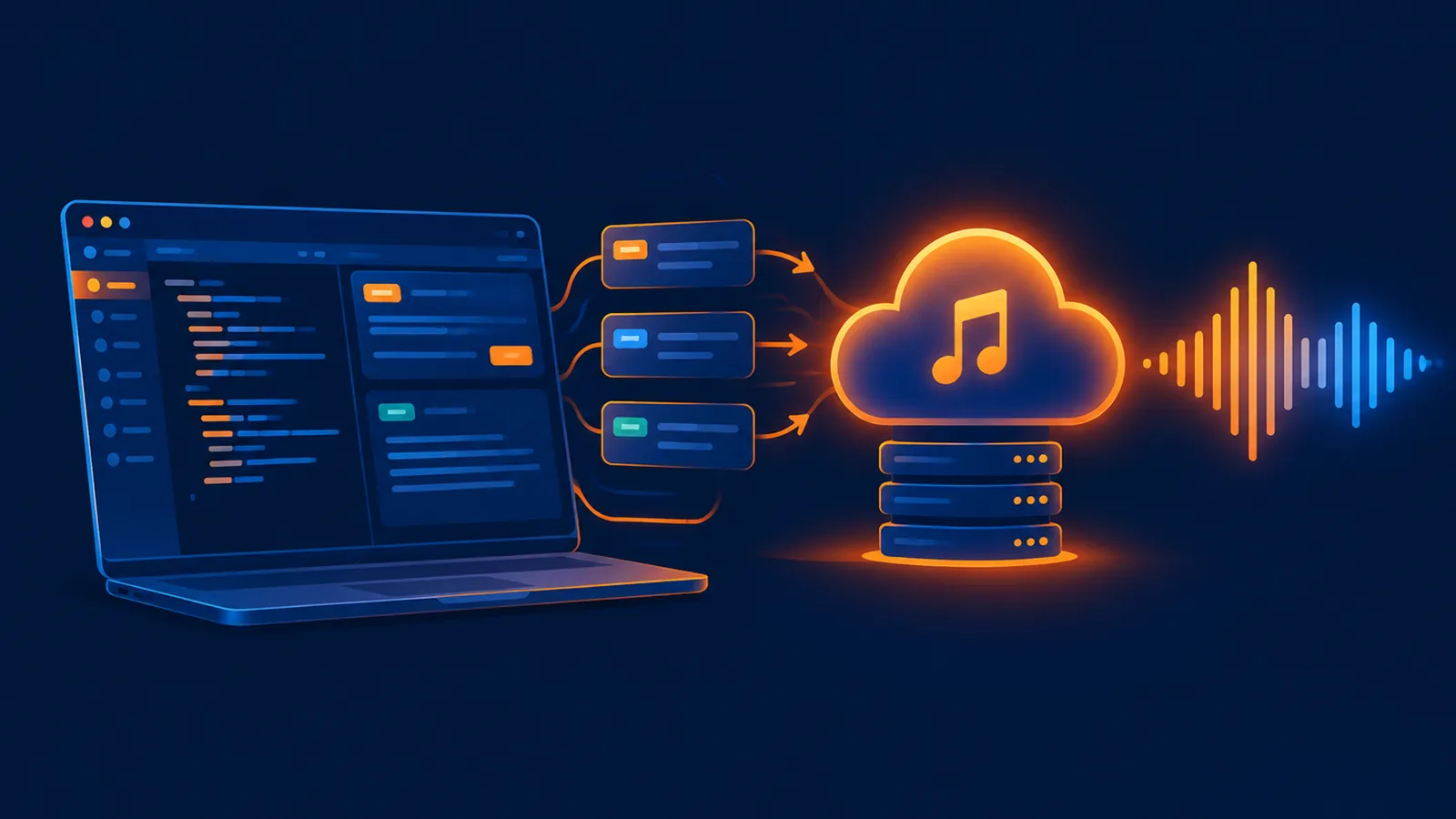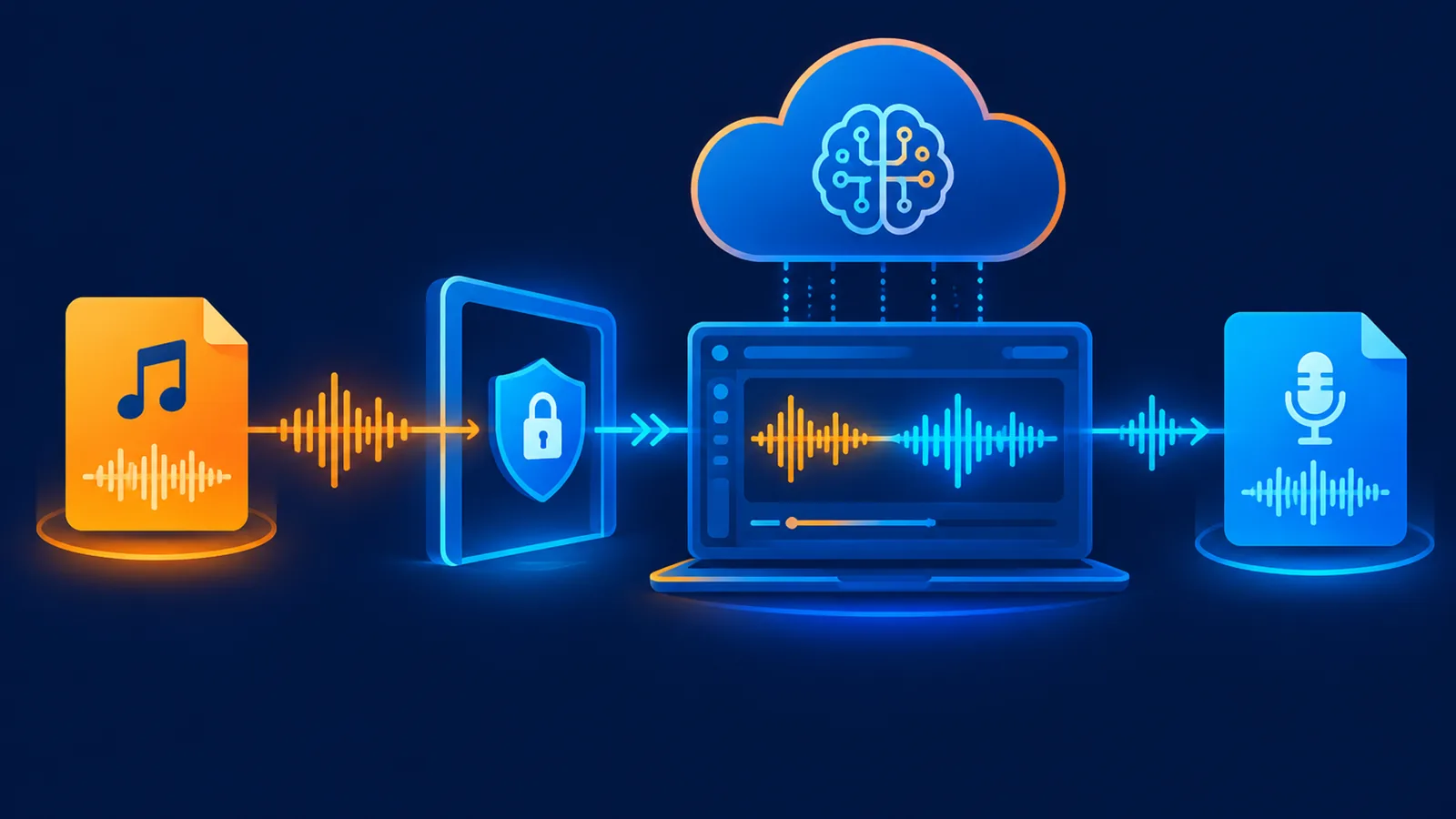
Short answer: prepare an audio file you have permission to use, upload it as a source, and confirm the upload is complete before starting a cover, extension or replace operation. For larger files, use the two-step workflow: upload the source for free, save the returned clip ID, then start generation with a small request that references that clip.
Copyright comes before upload
Being able to upload a file does not grant permission to reuse its composition, recording or voice. Use your own material, licensed audio or content where the intended use is clearly allowed.
Prepare the file
| Item | Recommendation |
|---|---|
| Format | Common MP3 or WAV audio |
| Size | Aim for roughly 8-10MB or less; use the two-step route for larger files |
| Quality | Use a clean source without clipping or repeated compression |
| Length | Trim to the part that needs a cover or extension |
| Name | Use a simple filename without unusual characters |
Browser workflow
- Open the AI cover workspace.
- Upload the local source audio and wait for processing to finish.
- Set the new vocal, style, lyrics and title direction.
- Submit the cover and wait for generation.
- Preview and download the result, or continue editing in Studio.
Use the two-step API for larger files
curl -X POST "https://www.suno-api.io/api/music/upload-source" \
  -H "Authorization: Bearer $SUNO_API_KEY" \
  -F "file=@source.mp3" \
  -F "file_name=source.mp3" \
  -F "upload_type=file_upload" \
  -F "model=suno-v6"
The upload is free and returning a clip ID does not start a paid generation. Confirm the upload status, save the clip ID, and reference it when calling /api/music/generate-from-source. The same source can be reused for extend, replace and separation workflows.
Common upload failures
| Symptom | Cause | Fix |
|---|---|---|
unexpected end of JSON input | Incomplete request body | Use a direct URL or the two-step upload |
| Upload stays processing | Large file, weak network or unusual source | Reduce size, change network, verify the file plays |
| Source rejected | Format, content or copyright review | Use a compliant, clear source |
| Upload succeeds, generation fails | Account or generation settings | Read the error; a failed generation follows the platform refund rules |
FAQ
Can I upload a streaming-page URL?
No. Login-protected player pages are not direct audio files. Use a local file you control or a public direct URL.
Why do larger files fail more often?
A one-shot request carries the whole file. If the transfer breaks, the server receives incomplete data. The separate upload step is more reliable.
Does a successful upload grant commercial rights?
No. Uploading is technical; commercial use still requires permission for the song, recording and voice.
Related: AI cover tool, source audio upload API, generate from source, and commercial-use guidance.
¥0.6 per generation, 2 tracks, unlimited downloads
Runs on the Suno V6 engine. Download MP3 or WAV as often as you like. Signing up needs an email address, not a phone number.