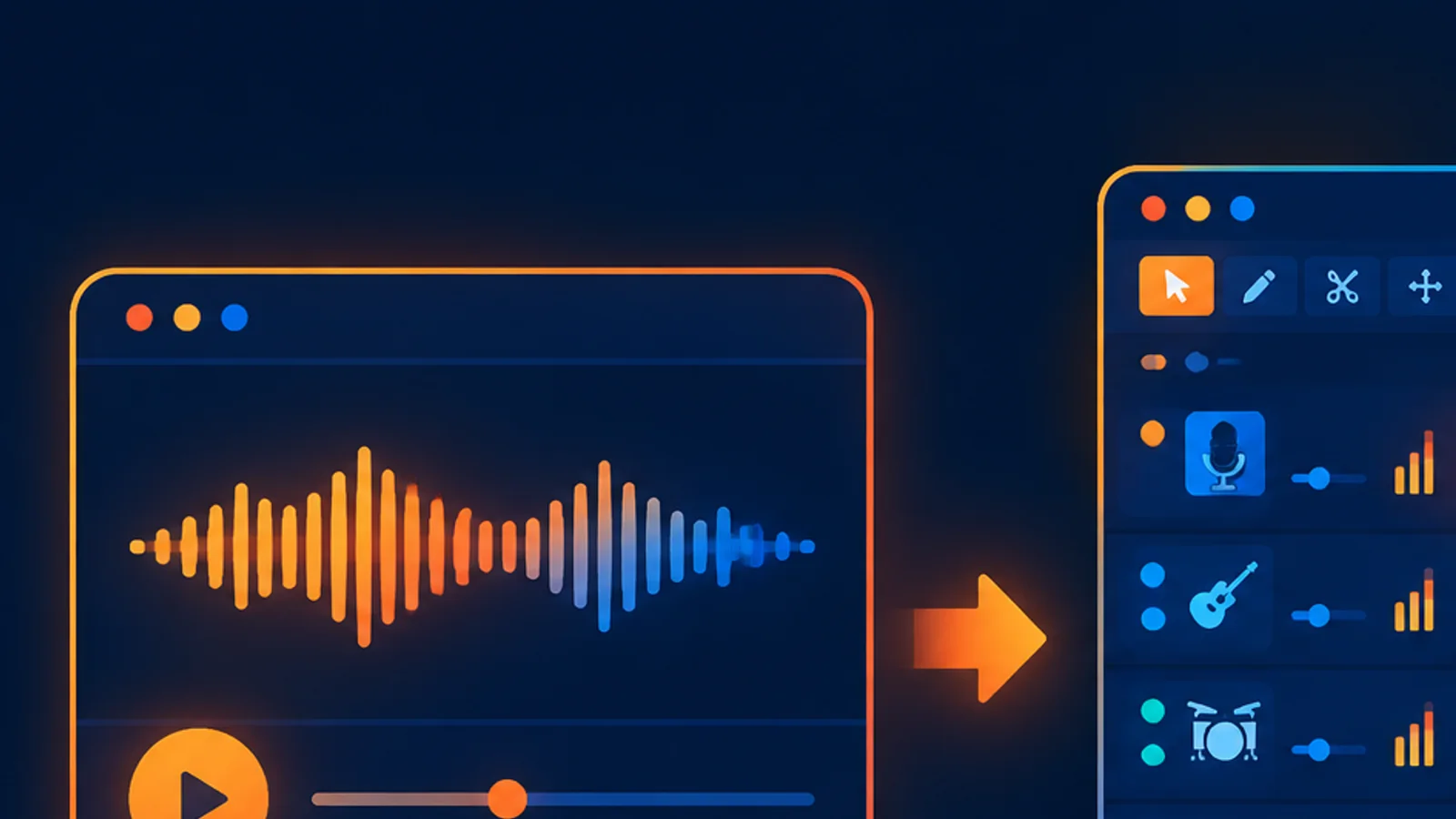
Short answer: use standard creation to turn a prompt or lyrics into a finished song. Use Suno Studio when an existing track needs a focused change: multitrack editing, section replacement, stems, tempo or pitch changes, MIDI export, or delivery preparation.
Choose by task, not by feature count
| What you need | Standard create | Suno Studio |
|---|---|---|
| Generate from a description | Best entry | Not the primary start |
| Custom lyrics and style controls | Supported in advanced modes | More useful after generation |
| Multitrack arrangement | Limited | Core workflow |
| Replace one section | Separate operation | Section-level editing |
| Stems and MIDI | Dedicated tools or API routes | Integrated editing path |
When standard creation wins
- You want two takes from one prompt quickly.
- The song does not exist yet.
- You are still exploring genre, mood or lyric direction.
- You need a playable download rather than detailed track surgery.
When Studio wins
- A generated song is close, but one passage is wrong.
- Vocals and instruments must be separated.
- You need to move tempo, key or individual tracks.
- You want MIDI for further work in a DAW.
The step-by-step Chinese guide starts at Suno Studio tutorial. To create a new track, use the online music workspace.
Pricing boundaries
Generation and editing are separate actions. A normal generation is priced per call and returns two tracks; stems, voice-clone generation, enhanced upload and individual Studio edits can have their own price. Generate a low-cost direction first, then spend on editing only after picking the better take.
Recommended workflow
- Generate two versions in the standard workspace.
- Choose the version closest to the brief.
- Use section replacement or extend for a focused change.
- Enter Studio for multitrack, stem, MIDI or delivery work.
- Keep the source, exported audio and authorization record together.
FAQ
Is Studio a completely separate generator?
No. It is best understood as an editing workflow around songs that already exist.
Do I need Studio to download a song?
No. Completed songs can be downloaded from the normal workspace.
Is every Studio action billed?
No. Viewing and some basic operations are free; charges depend on the specific generation or AI editing operation.
Related: Studio overview, extend, replace and stem split, and the API capability map.
¥0.6 per generation, 2 tracks, unlimited downloads
Runs on the Suno V6 engine. Download MP3 or WAV as often as you like. Signing up needs an email address, not a phone number.